
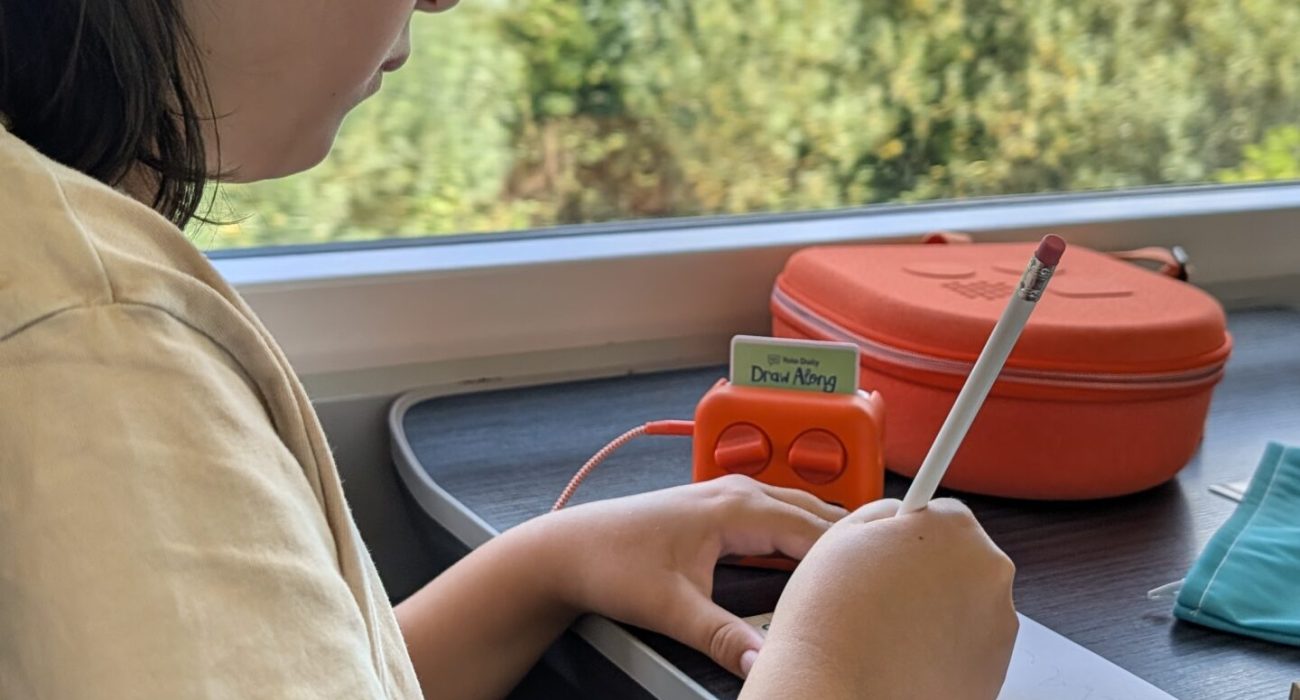
If you’ve got a Yoto Player or Yoto Mini at home, you’ll probably already know just how brilliant they are for encouraging screen-free entertainment. But did you know there are lots of clever Yoto Player hacks and hidden features that can help you get even more out of your little audio player?
From creating your own personalised Yoto cards to recovering lost audiobooks, saving money on new content and making bedtime that little bit easier, there are so many things you can do beyond simply popping in a card and pressing play.
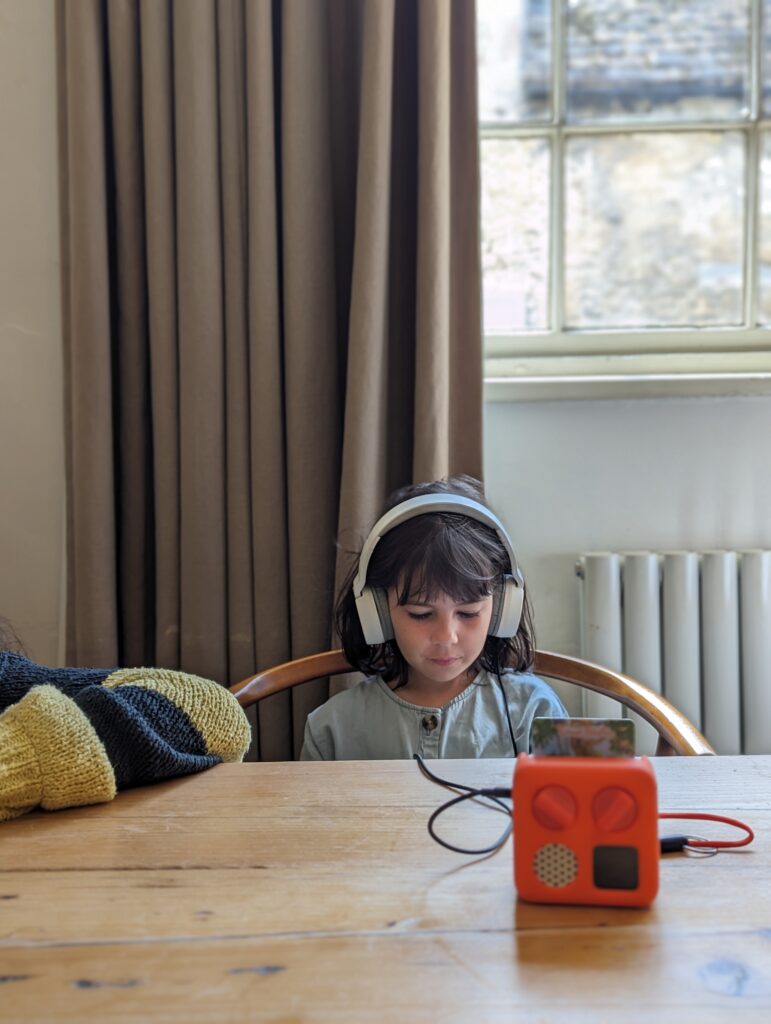
I particularly love how Yoto encourages children to take ownership of their listening choices. Whether that’s selecting an audiobook for a long train journey, listening to music while crafting or settling down with a bedtime story, it’s a lovely way to encourage independence without another screen.
If you’re wondering how to get the most out of your Yoto Player, I’ve rounded up 15 of the best Yoto tips and tricks that you might not already know about.
Side Note – If you are looking for a Yoto discount code you can use CC-TLQ10 for orders over £59.99 here.
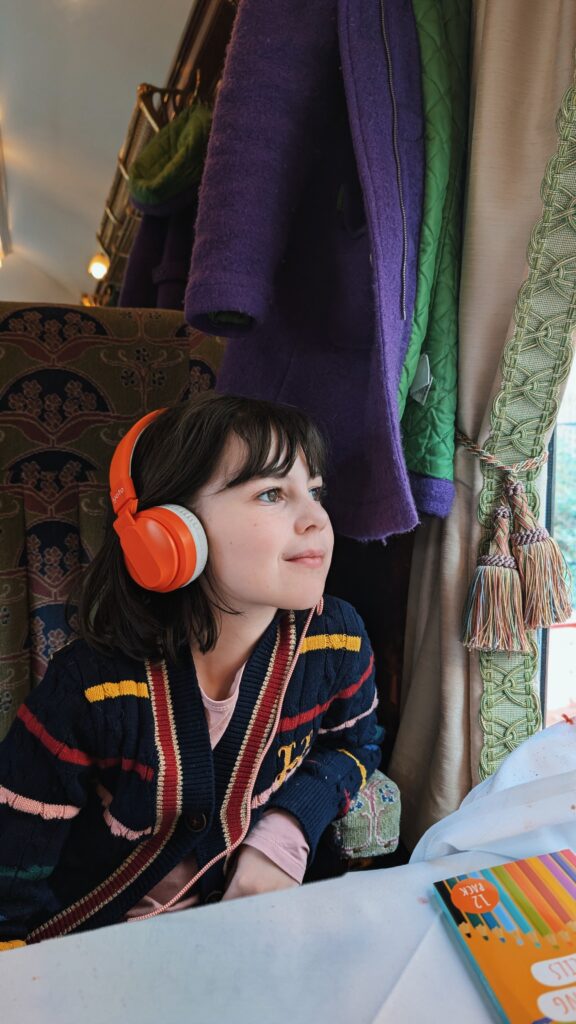
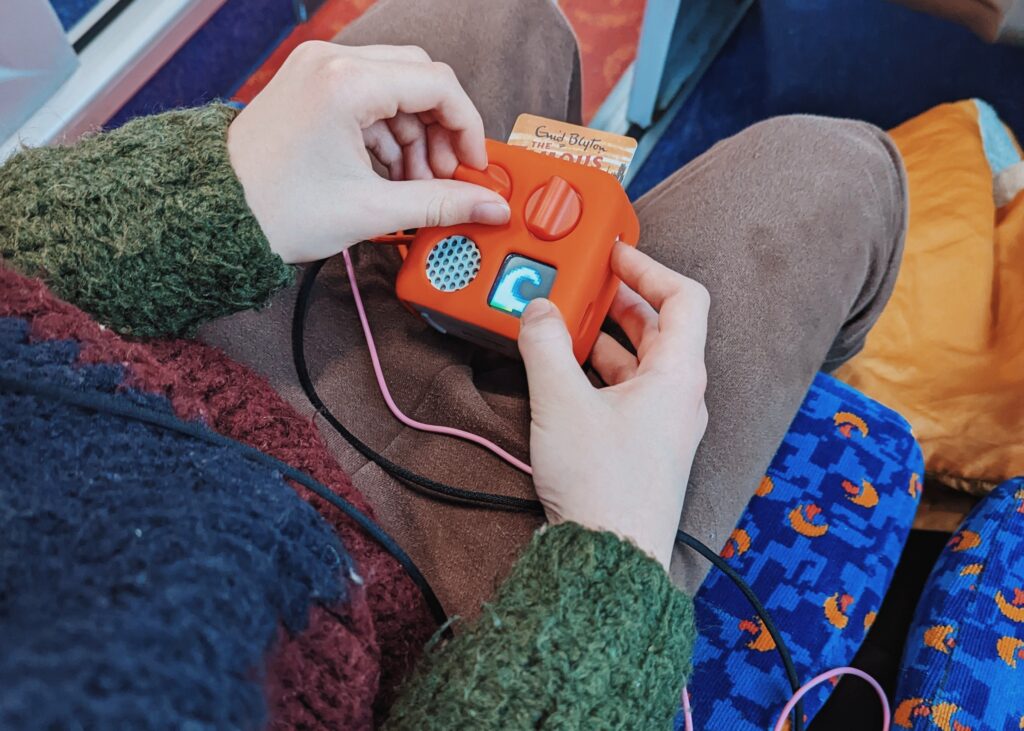
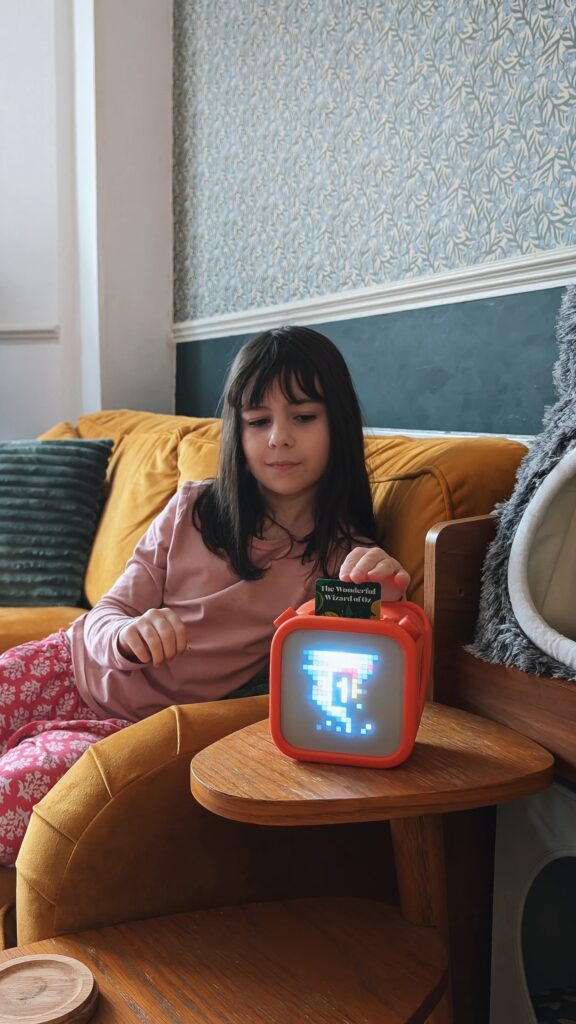
1. You can replace a lost Yoto Player card without buying it again
This is possibly one of the most useful Yoto hacks, especially if you have children who are forever misplacing things!
If your child loses one of their favourite Yoto cards, you don’t necessarily need to purchase another copy.
When you purchase a Yoto card and add it to your library, a digital version is available through the Yoto app.
To replace a lost card, open your Yoto app, find the missing title in My Library, select the three-dot menu and choose Link to a Card.
You can then link that audiobook to a blank Make Your Own Yoto card.
Your child can carry on listening to their favourite story, and you can avoid paying for the same audiobook twice.
Of course, there’s every chance the original will turn up under the sofa approximately five minutes later!
2. Make personalised Yoto cards with your own recordings
One of my favourite features is the ability to create your own Yoto cards using recordings of family members.
Yoto Make Your Own cards allow you to upload your own audio files or record stories directly through the app.
You could record yourself reading a favourite bedtime story, ask grandparents to record a special message or create a collection of family stories.
I particularly love the idea of recording grandparents reading books. Not only does it make a lovely keepsake, but it’s also a wonderful way for children to feel connected to family members who live further away.
To create your own Yoto card, head to My Library, find the Make Your Own section and create a new playlist using your recordings. Once saved, you can link it to a blank card.
You could even create a special birthday card featuring messages from friends and family!
3. You can reuse Make Your Own Yoto cards
Something that isn’t immediately obvious is that Yoto Make Your Own cards aren’t single-use.
You can change the audio linked to them whenever you like.
This means you don’t need to buy a new blank card every time your child develops a new interest or wants a different playlist.
For example, you might create a Christmas music card for December, then change it to a collection of favourite songs or stories in January.
Simply create or select the replacement content in the Yoto app and link it to your existing Make Your Own card.
It’s one of the easiest ways to save money on Yoto cards, particularly if your children enjoy listening to lots of different things.
4. Customise your Yoto’s shortcut buttons
Did you know you can set up quick access to your child’s favourite audio without needing to find a physical card?
On earlier Yoto Player and Yoto Mini models, you can customise the right-hand button’s shortcut when no card is inserted.
This could be used to quickly start a favourite radio station or other supported audio.
Newer fourth-generation Yoto Players also have a Green Button, which allows children to browse a selection of favourite titles without needing physical cards.
You can customise the Green Button playlists through the Yoto app, with separate choices for daytime and nighttime.
It’s particularly handy for younger children who might struggle to find the right card, or for those moments when you want to start some music without searching through your collection.
5. Download Yoto cards before going on holiday
As a family who regularly travel by public transport, this is one of my favourite Yoto Mini travel tips.
One of the biggest advantages of a Yoto Player is that you can listen to downloaded audiobooks without Wi-Fi.
However, the important thing to remember is that the content needs to be downloaded onto the player first.
Before travelling, connect your Yoto to Wi-Fi, insert the cards you want to take and allow the audio to download.
You can check the download status in the Yoto app under your player’s settings.
I would recommend doing this the evening before you travel rather than discovering halfway through a train journey that your child’s favourite audiobook isn’t available!
Once downloaded, the audio can be played offline, making Yoto particularly useful for flights, train journeys and holidays.
Live radio and other streaming content will still need an internet connection.
6. Turn your Yoto Player into an OK-to-wake clock
If you’ve got younger children who wake up at 5am convinced it’s morning, this is a particularly useful Yoto feature.
You can customise the daytime and nighttime settings through the Yoto app to help children recognise when it’s time to sleep and when it’s time to get up.
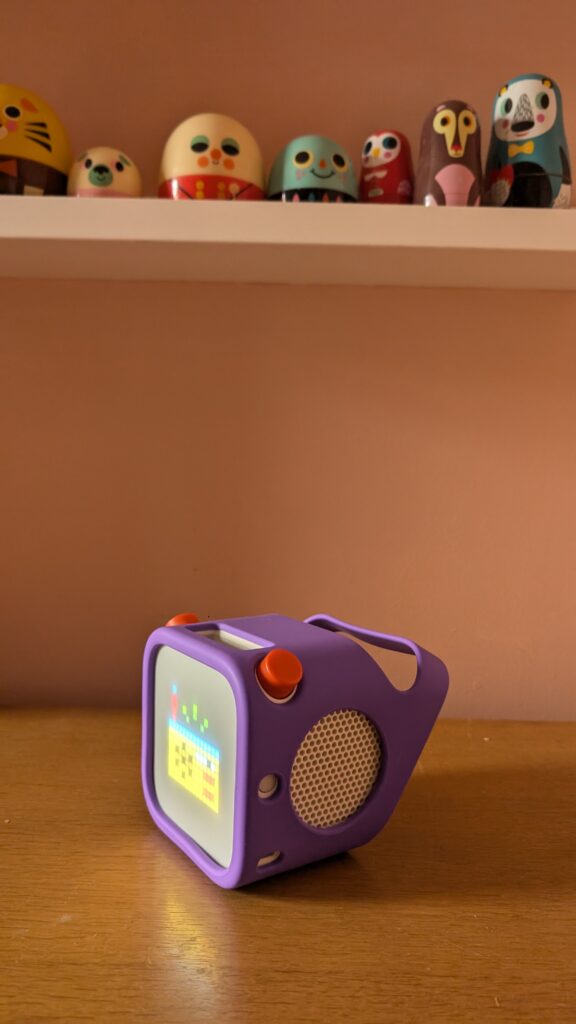
The Yoto display can show different day and night indicators based on the schedule you choose.
For children who can’t yet tell the time, having a visual cue can make it much easier to understand whether it’s still nighttime.
It’s not necessarily going to guarantee a lie-in, but it can be a helpful part of establishing a consistent morning routine.
You can adjust the settings as your child’s bedtime and wake-up times change.
7. Set different volume limits for daytime and bedtime
If your child has a habit of turning their Yoto Player up to full volume, you’ll be pleased to know that you can control this through the app.
Yoto allows you to set maximum volume limits, including different settings for daytime and nighttime.
This is particularly useful if your child enjoys listening to audiobooks while falling asleep but tends to turn the volume up.
You can keep the nighttime volume lower without having to constantly remind them.
It’s also worth checking these settings when you first set up your Yoto Player, especially if you’re planning to use it in a shared bedroom.
8. Use the Yoto sleep timer for bedtime stories
If your child enjoys listening to stories while falling asleep, the Yoto sleep timer is definitely worth knowing about.
Rather than leaving an audiobook playing all night, you can set the player to stop automatically after a chosen period.
To do this, open the Yoto app while audio is playing, tap the Now Playing bar and select the moon and stars icon.
From there, choose how long you want the audio to continue.
Once the timer runs out, playback will stop automatically.
This is especially handy if your child likes to listen to longer chapter books at bedtime.
It also means you don’t have to creep into their room later to turn the player off!
9. Share your Yoto library between siblings
If you have more than one child using Yoto, you might be wondering whether you need to purchase separate copies of every audiobook.
The good news is that Yoto Family Accounts allow you to manage multiple players and share access to your family’s digital library.
You can add more than one Yoto Player or Yoto Mini to your family account and manage them through the same app.
This is particularly useful if your children enjoy different types of stories or prefer listening in their own bedrooms.
You can also personalise the settings for each individual player, including bedtime routines and volume limits.
It’s a great way to get more value from your Yoto card collection without unnecessarily duplicating purchases.
10. Discover free Yoto content before buying more cards
One of the best ways to save money on Yoto is to make the most of the free content already available.
The Yoto app includes a selection of free audio, including Yoto Daily, Yoto Radio, podcasts and sleep sounds.
Yoto Daily is a particularly fun option, featuring jokes, games, interesting facts and activities for children.
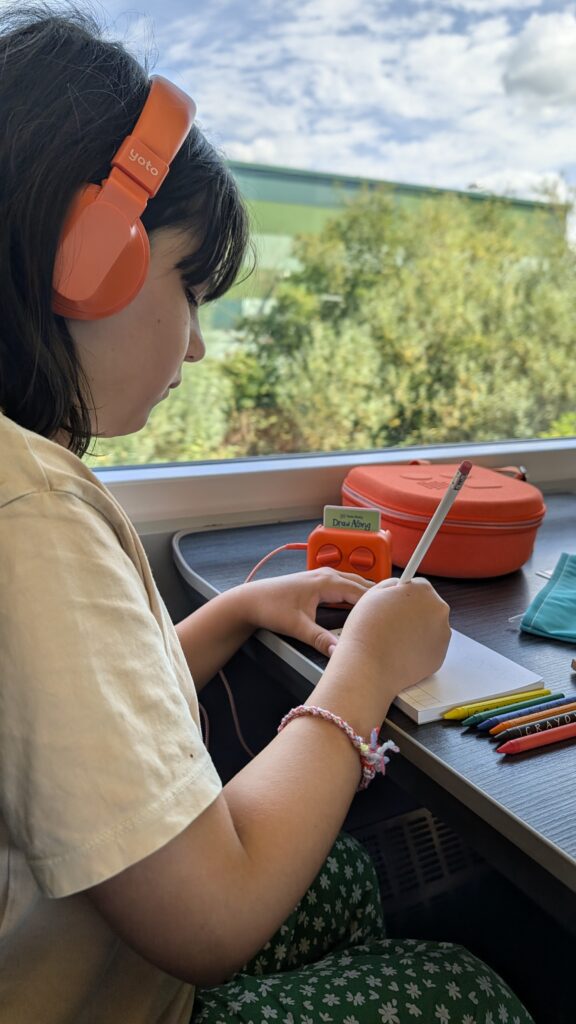
Yoto Radio is lovely for background music while children are playing, crafting or drawing.
There are also free podcasts covering different interests, making it worth having a browse before purchasing another audiobook.
Some free content can also be linked to a Make Your Own card, allowing children to access it independently.
It’s a brilliant way to keep things fresh without constantly adding to your Yoto card collection.
11. Use Bluetooth with your Yoto Player
Another useful feature that can easily be overlooked is Bluetooth connectivity.
Depending on which generation of Yoto Player you own, Bluetooth can be used to connect compatible devices, including supported headphones or audio sources.
This can be particularly helpful if you want to use your Yoto as a speaker for audio from another device, or connect wireless headphones on models that support them.
The exact pairing process and available features vary between generations, so it’s worth checking the instructions for your particular Yoto Player or Yoto Mini.
For travel, headphones can make a huge difference, particularly if your child wants to listen to an audiobook on a busy train.
12. Create educational Yoto cards for home learning
One of the things I love about Yoto is how easily it can be incorporated into home education and everyday learning.
You don’t need to limit your Yoto Player to traditional audiobooks.
Using Make Your Own cards, you can create personalised educational audio based on your child’s current interests.
For example, you could record spelling words, poetry, foreign-language vocabulary or times tables.
You could also create an audio nature trail with instructions encouraging children to identify different birds, plants or sounds while out walking.
For younger children, recording simple instructions for independent activities can be a lovely way to encourage confidence.
And for older children, audiobooks about history, science and geography can complement whatever they’re currently learning.
I particularly like the idea of listening to a book connected to a place you’re about to visit. It’s a lovely way to build excitement and learn a little more about a destination before arriving.
13. Personalise your Yoto cards with pixel art
Did you know that you can customise the images displayed on your Yoto Player when using Make Your Own cards?
Yoto uses little pixel art illustrations on its display, and you can choose different images for your personalised audio tracks.
You can select from existing pixel art designs or create your own.
This is especially useful for younger children who aren’t yet reading independently.
For example, you could use a moon for bedtime stories, a musical note for favourite songs or an animal for a nature-themed playlist.
It makes finding the right audio much easier and adds another fun creative element to making your own cards.
14. Work out whether Yoto Club is worth it
If your child gets through audiobooks quickly, you might have considered joining Yoto Club.
Yoto Club is a membership programme offering different benefits depending on the subscription option.
These can include access to selected digital audio, discounts and other perks.
However, before signing up, I’d recommend working out how much you actually spend on Yoto cards throughout the year.
If you only purchase a handful of cards for birthdays and Christmas, a membership might not be particularly cost-effective.
On the other hand, if your child regularly listens to new audiobooks and enjoys discovering different stories, it could be worth considering.
It’s also worth checking whether the titles your child actually wants are included in the membership benefits.
The cheapest way to enjoy Yoto isn’t necessarily through a subscription, particularly if you’re already making good use of free content and Make Your Own cards.
15. Don’t assume your child has outgrown their Yoto Player
One of the biggest misconceptions about Yoto is that it’s only suitable for younger children.
While there are lots of lovely nursery rhymes, picture-book stories and bedtime audio options for little ones, there are also longer audiobooks and more advanced stories for older children.
As children grow, their listening habits naturally change.
Younger children might enjoy short stories and familiar songs, while older children may prefer fantasy adventures, classic children’s literature, factual audiobooks or podcasts.
A Yoto Mini can also be particularly useful for older children who enjoy listening while travelling, drawing or relaxing.
I think it’s worth exploring the audiobook selection for older age groups before assuming your child has outgrown their player.
And because you can continue creating personalised audio using Make Your Own cards, there are lots of ways to adapt it to their changing interests.
Frequently Asked Questions About Yoto Players
Can you use a Yoto Player without Wi-Fi?
Yes! Once your Yoto cards have been downloaded onto the player, you can listen to them without an internet connection.
You’ll need Wi-Fi for initial setup and downloading new audio, while features such as live Yoto Radio require an internet connection.
Can you listen to Yoto cards without the physical card?
Yes. Your digital Yoto library is accessible through the Yoto app, so you can play purchased audio without needing to insert the physical card.
This is particularly useful if you’ve forgotten a card or want to access your library while travelling.
Can you put your own music on Yoto cards?
Yes! Yoto Make Your Own cards allow you to upload compatible audio files, including MP3s you own or have permission to use.
You can create personalised music playlists, recordings and stories, then link them to a blank card.
Can two Yoto Players share the same cards?
Yes. Multiple players within a Yoto Family Account can access your family’s digital library, subject to the applicable content and account rules.
This makes Yoto a useful option for families with more than one child.
Is the Yoto Mini good for travelling?
The Yoto Mini is particularly useful for travelling because of its compact size and ability to play downloaded audio offline.
It’s a great option for train journeys, flights, holidays and screen-free entertainment away from home.
Just remember to download your child’s favourite audiobooks before leaving.
Is a Yoto Player worth the money?
I think the biggest appeal of Yoto is that it gives children a way to enjoy audiobooks, music and independent entertainment without relying on a tablet or television.
Although the initial cost and additional cards can add up, features such as free audio, shared family libraries and reusable Make Your Own cards can make it much more cost-effective over time.
Final Thoughts: Getting the Most Out of Your Yoto Player
Whether you’ve recently bought your first Yoto Player or you’ve had one for years, I hope these Yoto tips and tricks have given you a few new ideas.
I think the real beauty of Yoto is how versatile it can be. It’s not just something children use for bedtime stories, but a little device that can become part of so many different moments in family life.
From long train journeys and rainy afternoons to independent learning and quiet bedtime routines, there are lots of opportunities to make the most of it.
And while there’s always the temptation to buy another Yoto card, some of the most useful features are already available through the app.
My biggest recommendation would be to explore the settings, experiment with Make Your Own cards and see which features work best for your family.
Do you have any favourite Yoto Player hacks or tips I’ve missed? I’d love to hear them!
If you enjoyed this post you may also like:
Is the Yoto Player the best travel companion for kids?
Feminist books for kids
Top gentle parenting books